Your units, your way
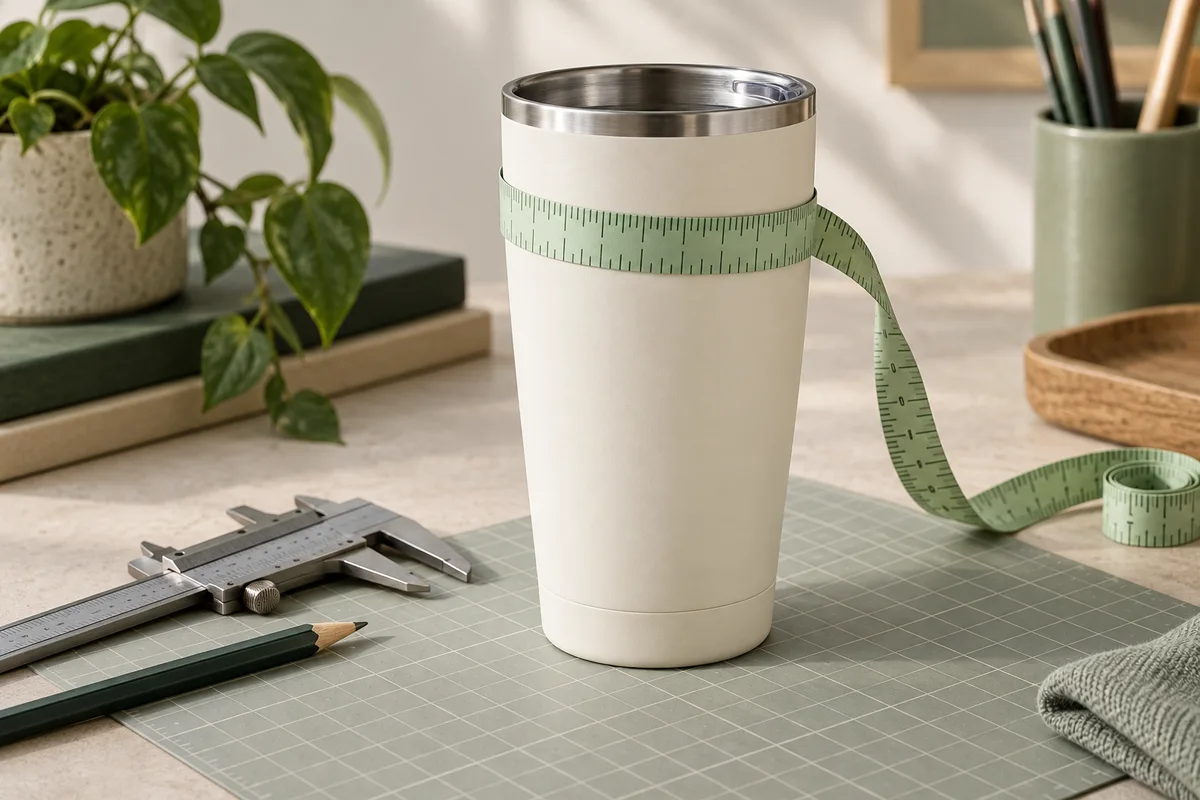
Use a soft tape or calipers. Switch between millimetres, centimetres and inches without changing the physical size.
A LITTLE MEASURING. A BETTER FIT.
Turn your cup measurements into a blank curved wrap. Download a true-size SVG or PDF, print on ordinary paper, and check the fit before your next sublimation project.
Free to use · No sign-up · Measurements stay in your browser
YOUR MEASUREMENTS. YOUR TEMPLATE.
Start with the outside measurements at your printable boundaries. The example below is illustrative, not a verified cup preset.
Preview fits the screen. Downloaded files retain physical dimensions. Top and bottom refer to the cup as entered.
2 sheets · 1 rows × 2 columns
Print at 100% / Actual size. Turn off Fit to page. Verify the 50 mm ruler before cutting.
Tiled PDFs use an 8 mm paper overlap. Trim page borders and align repeated crosses. For paper fit checks only.
For circular cups with straight sidewalls. Not for bulging, stepped or compound curves. Creates a blank outline; it does not warp artwork.
Use this tapered tumbler template generator for the outline. Let a careful measurement and a simple paper test do the rest.
The lip and rounded base are not part of your printable sidewall. Mark two boundaries, measure their outside diameters or circumferences, then measure the distance between them. Cup capacity alone cannot tell you the right wrap size.
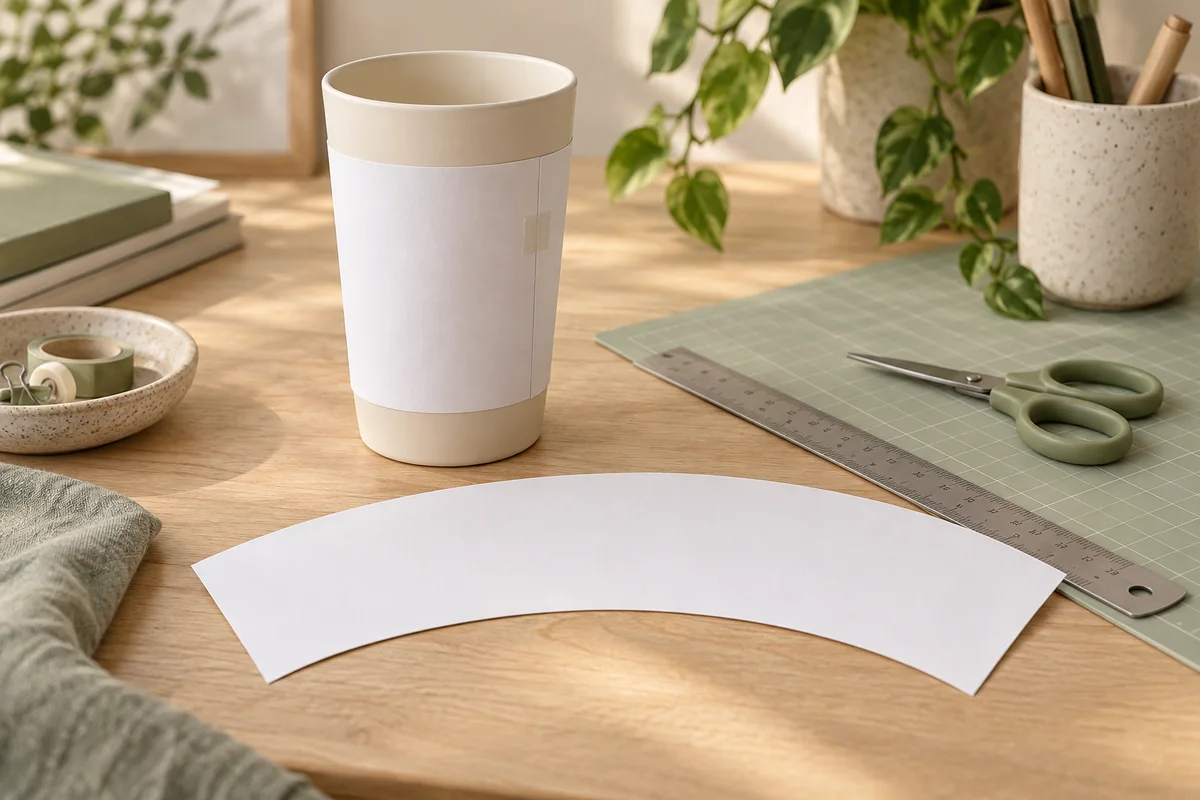
Print a blank proof, check the calibration ruler, and gently wrap it around your cup. The edges should meet without pulling, creasing or lifting. A small adjustment now can save a sheet of transfer paper later.
Three small steps, one repeatable workflow.
Choose diameter or circumference and your preferred units. Keep both measurements inside the same straight-sided region.
Check measuring pointsSet the coverage, then add a seam overlap or gap if needed. Keep bleed separate from the cut line and important artwork inside the safe area.
Adjust the templateDownload the PDF at 100% scale. Assemble tiled pages with the alignment crosses, measure the 50 mm ruler, then cut along the solid outline.
Check print settingsThe tapered tumbler template generator keeps each measurement and allowance visible.
Use a soft tape or calipers. Switch between millimetres, centimetres and inches without changing the physical size.
Wrap a tumbler completely or leave space beside a mug handle. Top and bottom orientation stays intact.
Export a clean cut outline or a reference SVG. Print a custom-size PDF or assemble A4 and Letter sheets.
Clear answers before you cut.
Yes. Make and download blank SVG and PDF templates without an account. The calculation and your saved measurements run in your browser.
No. Capacity does not define the sidewall shape. Measure your specific cup at the printable boundaries. The starting values here are an example, not a verified supplier preset.
It generates a blank sizing outline, not warped artwork. Place and adapt your own design in suitable design software, then keep important details inside the safe area.
Check for Fit to page or Shrink oversized pages in your PDF viewer. Choose 100% or Actual size, then measure the 50 mm ruler. Use tiled A4 or Letter if the template exceeds your paper.
Circular cups with a straight taper, including wider bottoms, and straight cylinders. Bulging sides, stepped bodies and complex handled tumblers need a different model. Partial coverage leaves an open gap; it does not cut around handles.
You may use the blank outlines in personal or commercial craft projects. Check your own artwork licences and your supplier’s process instructions. Always test a paper proof; a geometric outline alone does not guarantee a finished transfer.
Keep the tapered tumbler template generator handy for your next batch. Save your own measurements after a successful paper fit check.
Measure. Generate. Print. Test. Then make it yours.